Wisconsin Historical Society
Problem: The Wisconsin Historical Society's website is cluttered and outdated.
Task: Using the updated brand styles, create a more modern and user-friendly interface.


1. Research
In order to get a full picture of the issues and opportunities for improvement, we first needed to understand the current state of the website by
- Reviewing Google Analytics, cataloging Click tracking and heat maps from Microsoft Clarity
- Taking inventory of page template types and page content
- Generating a current site map using Adobe Xd
- Creating user personas, journey maps
2. Design
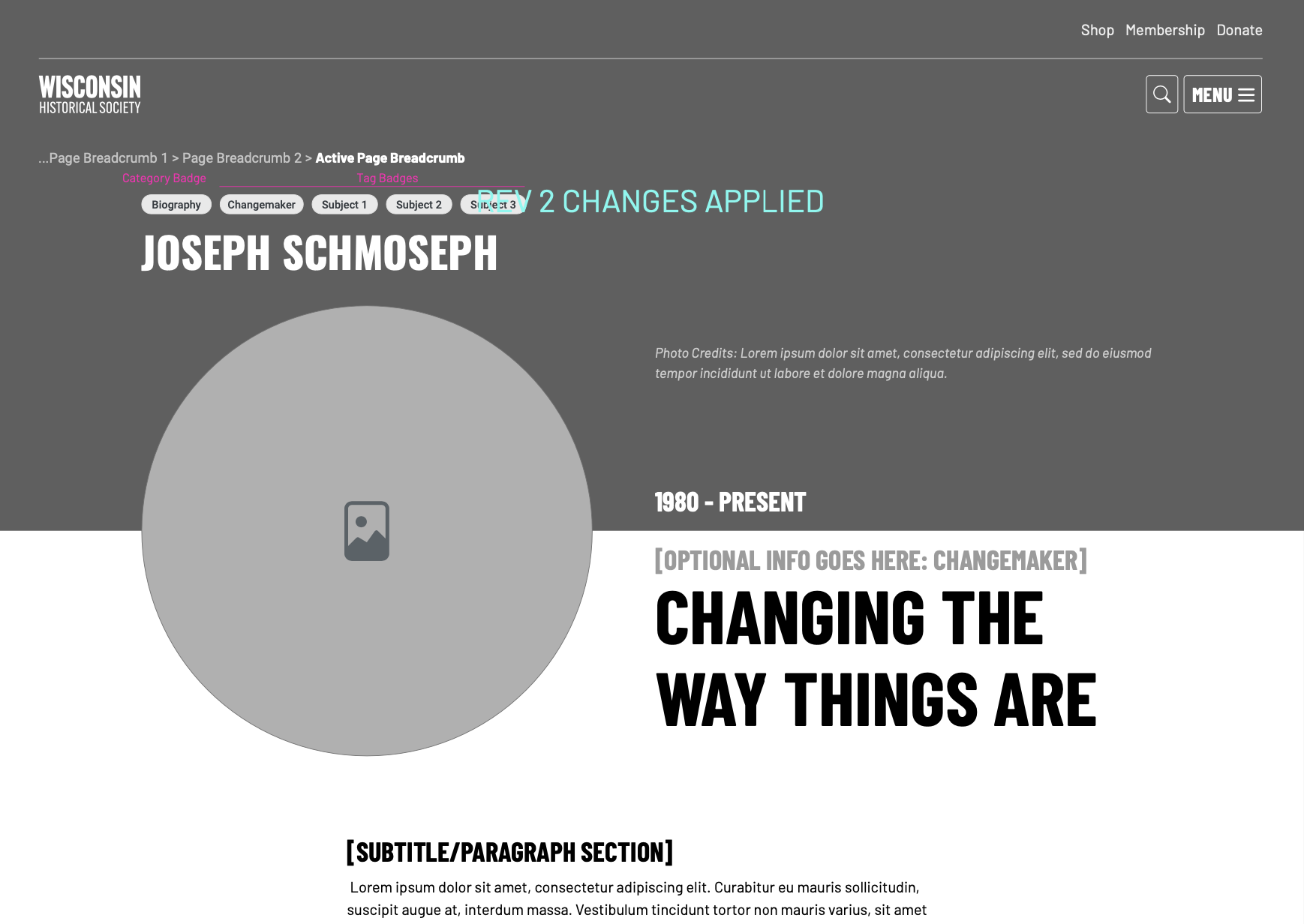
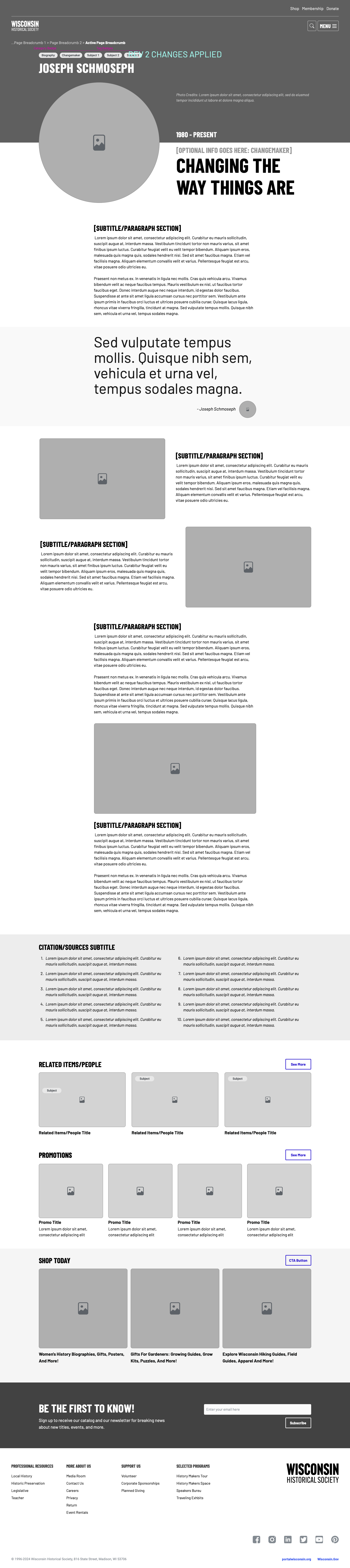
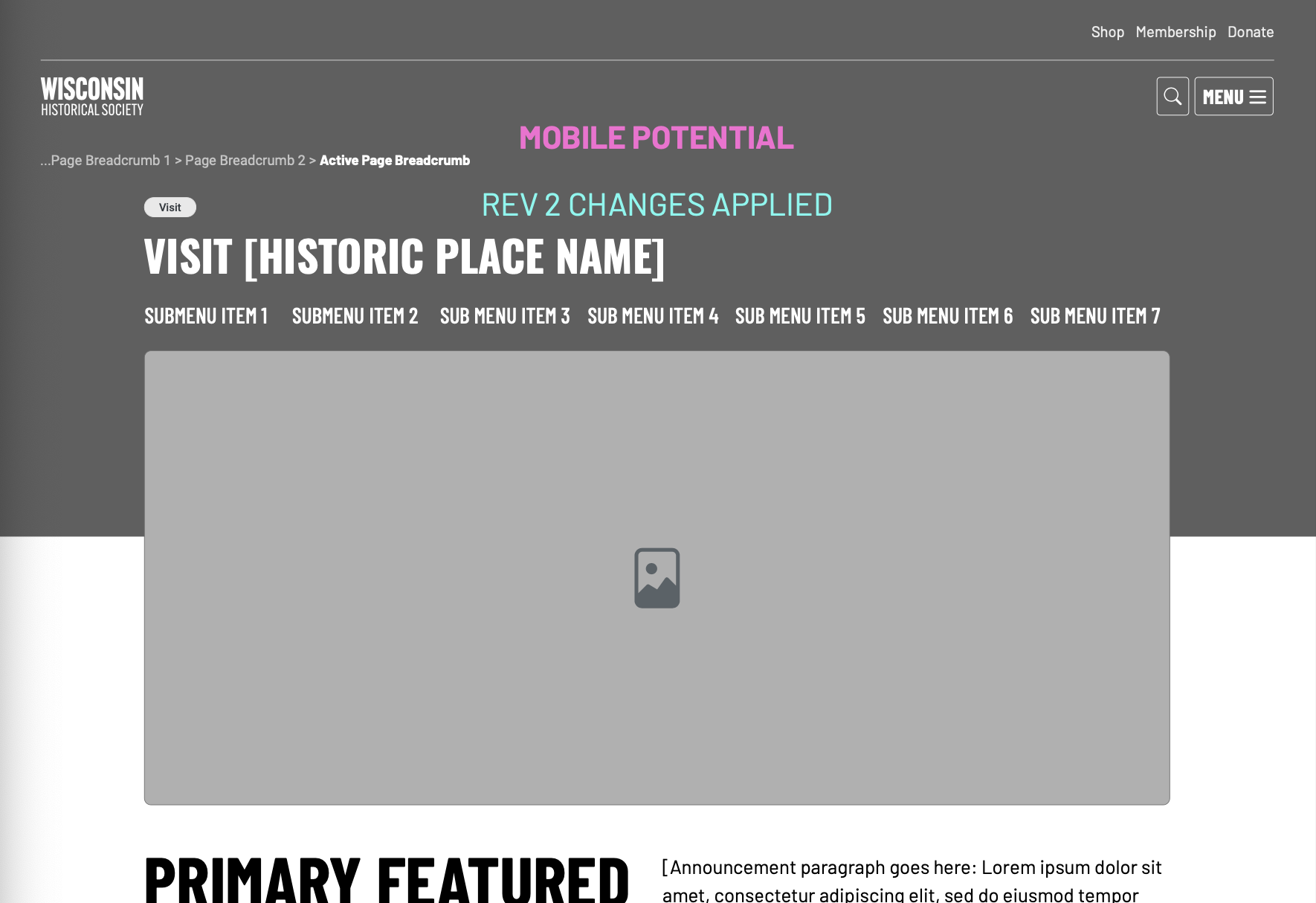
Our learnings informed our design decisions as we built wireframes. Our proposals included a more relevant navigation structure, reimagined page templates, and reprioritized content hierarchy.
After partner approval, we incorporated the new brand styles into the wireframes for high fidelity mockups. At the same time, we were creating a custom component library to support the new page templates.

3. Build
Once our mockups were approved, we began the development process. I started by creating the basic page structure all pages would have, and the global components like the header and footer. From there, we built out each page template which included a unique hero section, and a collection of reusable components. From the CMS, the partner could choose their components and fill them out to create the page.
Apart from the custom search results pages and search functionality, we created
14
Page templates
120
Custom components
120
Custom components